
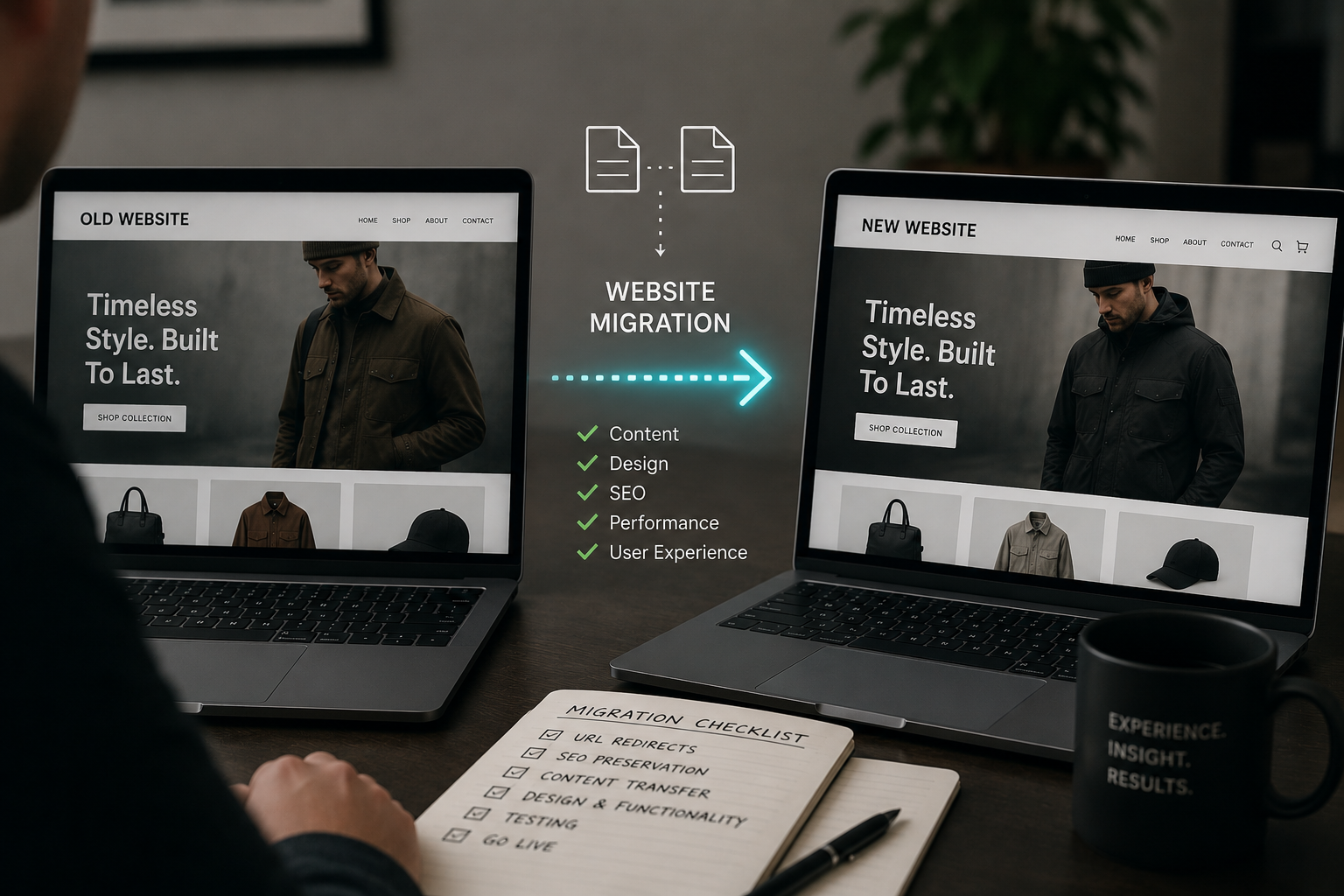
If you are about to hand your whole website over to an agency for a migration, the honest answer to “can I trust them?” is that realistically you need to find this out before you sign, not after go-live. A good development / migration agency will happily show you a full URL migration plan, put you in touch with clients who have been through it, and pull you into the testing. If they get cagey about any of that, treat it as a warning sign. A migration done badly can cost you months of rankings and a chunk of revenue while you recover, so the checks you do beforehand are crucial; much more than the shiny new design they are selling you.
I have been on both sides of this. I have migrated a store from Magento to Shopify, worked through Magento 1 to Magento 2 upgrades, and moved sites off shared hosting onto their own infrastructure back when that was the big decision of the year. So this is not theory for me. It is what I learned the hard way, and what I now look for when a client asks me to sanity-check an agency before they commit.
Why Do So Many Ecommerce Website Migrations Go Wrong?
Migrations rarely fail alone on the new design. They fail in the poor planning / setup.
- A redirect that was missed.
- A category that used to rank and now points nowhere.
- On-site search that worked fine on the old platform and returns nonsense on the new one.
- An email signup form that still fires but quietly points at the wrong list, so your automations stop earning.
- Missing previous customisations that were never built for the new site
Some of this shows up on launch day. Some of it shows up three or four weeks later in Search Console and in your revenue, by which point the agency has moved on to the next project and you are the one explaining to yourself why sales dropped. The gap between ” it looks fine” and “actually works as expected” is exactly where the plan can fall apart. The whole point of vetting an agency properly is to close that gap before it opens.
What Background Checks Should You Do Before Hiring A Migration Agency?
I suggest starting with the boring stuff, because that’s where the pattern lives. Read their reviews on every review platform you can find. Look at case studies that are actually migrations, not just redesigns. Then ask the question that is: can I speak to a client you have migrated? – this is where the ones brave enough see the pay off. They either have their mind put at rest with a number of confidence boosting calls, or they’re left with no confidence in the agency as they scramble for reasons not to pass this info on. Don’t listen to their excuses as to why they can’t pass of that info. If the clients are referenced on their website as case studies, reach out to them directly.
A good agency should have a list of happy clients who came through a migration with their traffic intact, and they are proud to introduce you. If they will not give you a single reference who has been through the same process you are about to go through, that tells you something insightful. It does not always mean they are hiding a disaster, but you want to know why. Ask that client the specific questions:
- Did your rankings hold
- Was there downtime
- Did anything break after go-live
- How quickly did they fix it.
- How much involvement did they have

Should Your Agency Give You A Full Migration Plan To Read?
Yes, and you should be able to share it with someone who knows what they are looking at. This is the single most useful thing you can ask for, and it is where I spend most of my time when a client brings me in for a second opinion as an ecommerce consultant.
A proper website migration plan covers a full URL migration for products, categories and pages, with old URLs mapped to their new equivalents and 301 redirects in place. It should not send everything to the homepage and hope for the best. It should mark checkpoints at points in the future so you know when you are hitting key milestones rather than finding out at the end that some of it slipped. You should have a named project manager you can actually reach, not a shared enquiries or support inbox that answers in a few days.
If the plan is a two-line email and a launch date, that is not a plan. You are entitled to see the detail, and any agency worth trusting will have it written down already because they built it for their own team, not just for you. You should be able to get project plans with timelines, know what the key parts of the build are, which ones are a liability, and which ones may need your teams input.
What If You Are Not Moving To Shopify?
If you are heading onto a hosted platform like Shopify, a lot of the infrastructure risk is taken off your plate. If you are going onto a self-serve setup instead, on your own server or cloud, you need to know who is providing that hardware and be able to check them out yourself.
If the agency picks the server company and it turns out to be underpowered or unreliable, you do not want the first you hear of it to be six months later when they are blaming the host for slow load times and outages. If they chose the infrastructure, that is their decision. Get the name of the provider up front, look them up, and make sure the agency is accountable for the choice rather than leaving themselves a get-out clause for later.
I’ve done this before and ended up on really good terms with the guys at the server companies, which really helps you later down the line when you might need them to help scale.
Should You Be Part Of The Testing Before Go-Live?
You need to 100% be part of the testing, and this is the part a lot of owners skip. They’ll vet the front-end but not actually test it. Your team knows how your site is supposed to behave better than the agency does. You know that your filters need to work a certain way, that your on-site search should handle the terms your customers actually type, that delivery and returns searches should return a result rather than a blank page.
So you should be in the QA. Walk the key journeys yourself. Check that filtering and search have been migrated with a solution that is as good as or better than what you had, not quietly downgraded because it was fiddly to rebuild. Check that your email marketing signup points still map to the same lists and segments, so your flows keep firing the moment you switch over. Before launch, ask a plain question and get a plain answer: how much downtime should I expect on the day? They should know.
An agency that welcomes you into the testing is an agency that is confident in its work. One that keeps you at arm’s length until the reveal is one you want to watch more closely.
When Should You Get A Second Opinion?
Before you go live. Not after. Once the migration has happened and the rankings have gone, you are into recovery, and recovery is slower and more expensive than prevention ever was.
If you have a migration plan sitting in your inbox and you are not sure whether it holds up, that is exactly the point to have someone independent read it. Not to undermine your agency, but to make sure the plan protects the traffic and revenue you have already built. A good agency will not mind a second pair of eyes. A nervous one will, and that in itself is worth knowing.
Migrating your store soon?
I have been through Magento to Shopify migrations first hand and I know where they go wrong. Send me your agency’s plan and I will tell you whether it protects your rankings and revenue before you go live.
Frequently Asked Questions
How long does it take to recover rankings after a bad migration?
It varies, but you should think in months rather than weeks. If redirects were missed or key pages lost their equivalents, Google has to recrawl, reassess and rebuild trust in the new URLs. The cleaner the redirect mapping was on day one, the faster it settles. This is exactly why prevention beats recovery.
What is the most important part of a migration plan?
The URL redirect map. Every product, category and page on the old site needs a 301 redirect to its equivalent on the new one. It sounds boring, but this single document is where most of your search visibility is either protected or lost.
Is it a red flag if an agency will not share client references?
It is worth questioning and for good reason. Plenty of agencies do good work and simply have not asked clients for permission to be a reference. If you specifically ask to speak to someone they have migrated and they will not put you in touch with anyone, ask why before you commit.
Do I need a consultant if my agency is already doing the migration?
Not always, but an independent review of the plan is cheap insurance against a very expensive mistake. An experienced ecommerce consultant reads the plan for the gaps an agency might gloss over: downtime, search and filter behaviour, email segment mapping, and whether the redirect map is actually complete.
How much downtime is normal during a website migration?
With good planning it can be minimal, sometimes close to none if the new site is built in parallel and switched over cleanly. What matters is that your agency gives you a clear, honest figure before launch day rather than a shrug. If they cannot tell you, they have not planned it properly.
What if I just want to implement a new Shopify theme?
A new Shopify theme is not a platform migration. However it does need to be undertaken with care because some of the same risks mentioned above apply there. Read my guide on what to understand before you implement a new Shopify theme for more information.