
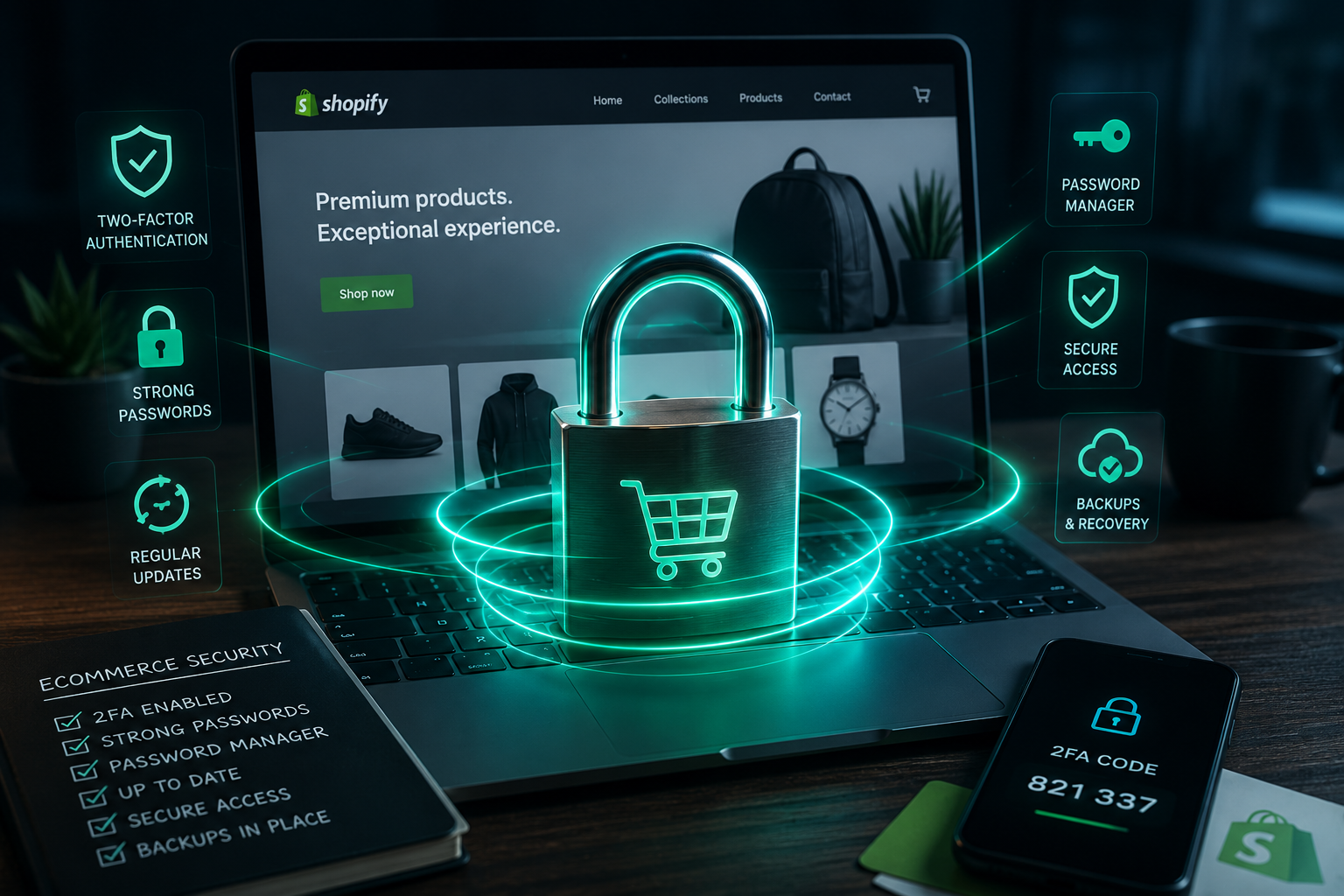
If you have a physical bricks and mortar store, think about it for just a second. You wouldn’t hand your only set of keys to a contractor and walk away. You wouldn’t write the alarm code on a Post-it and stick it to the window. I’m sure you certainly wouldn’t let someone else put the lease in their name while you run the business day to day.
However, this is exactly what most ecommerce businesses do with their digital accounts. I’ve seen it throughout my career, first as Head of Ecommerce at Aphrodite Clothing, and now as an ecommerce consultant working with independent retailers across the UK. The business is trading, revenue is coming in, and nobody stops to question “if something went wrong tomorrow, could we get back in?”
This post covers the accounts and access points that matter most, and what you can do to make sure your store’s keys are actually in your hands.
Your email account is the master key
Almost every platform you use including Shopify, Google, Meta, your payment gateway, your email marketing tool, has a “forgot password” link. That link goes to your email inbox. Which means whoever controls that inbox controls everything else.
If you set up accounts using a personal email you no longer actively use, or using a previous employee’s email address, you’ve lost the master key without even realising it. When you need to reset access, you can’t. The new password goes to an inbox you can’t reach.
Make sure your primary business email account is one you own, actively monitor, and can access independently of any individual staff member. And make sure you know the password to it without having to guess.
Are you actually the owner of your Shopify / ecommerce store?
Shopify has two tiers of access that matter here: the store owner and staff accounts. The store owner account has full, unrestricted permissions. It’s the only account that can do certain things, like transfer store ownership, manage billing, or close the account entirely.
If an agency set up your Shopify store and their email address is the owner account, they have more access to your business than you do. Even if they’ve given you a staff account with broad permissions, you’re still a tenant in your own store.
This isn’t a hypothetical. I’ve worked with businesses where the agency relationship ended, the agency became unresponsive, and getting ownership of the Shopify account back was a painful process involving Shopify support. Try and avoid it by making sure your email address is the store owner from day one, with any agency or developer working under a staff account with appropriate permissions.
This same logic can be applied to every platform that you use: Facebook Business Manager, Google Ads, Klaviyo. Check who the account owner is, and make sure it’s you.
Your domain and DNS details
Your domain name is the address of your store. If it lapses, gets transferred, or is held by a third party who becomes uncontactable, your store effectively ceases to exist as far as customers and Google are concerned.
A lot of agencies buy domains on their clients’ behalf during website builds. This is often fine in practice, but it creates a dependency you should be aware of. You need to know:
- Which registrar holds your domain (GoDaddy, Namecheap, 123-reg, and similar)
- That the login credentials for that registrar are in your hands
- When the domain renews, and that auto-renewal is active on a payment method you control
The DNS settings that point your domain to your Shopify store or web host sit inside that registrar account too. If something breaks, or if you need to change hosting, you need access to those settings. Don’t find out you don’t have it during a crisis.
Your Google accounts (the ones people forget)
- Google Analytics
- Google Search Console
- Google Ads
- Google Tag Manager.
Each of these properties holds data and settings that matter to how your store performs. Each has its own access management, and each can become a real problem when staff or agencies change.
I had a client who needed me to access their Google Tag Manager container to set up conversion tracking. The container had been created by a developer who left the business two years earlier, using a personal Gmail account that nobody at the company could reach. Getting back into that container meant starting from scratch – rebuilding tags, triggers, and all associated tracking. A few minutes spent on access management at the outset would have saved days of work.
For every Google property connected to your business, make sure your primary business Google account has Owner-level access, not just viewer or editor. And check that there isn’t a departed agency or freelancer still sitting in there with more access than they need.
Two-factor authentication on everything that matters
Two-factor authentication (2FA) means logging in requires something you know (your password) and something you have (typically your phone). Even if someone gets hold of your password, they still can’t get in without that second step.
Shopify has 2FA built in. So does Google. So does every major email provider. Turn it on for every account that touches your business – at a minimum: your email, your Shopify account, your Google accounts, and your payment platforms.
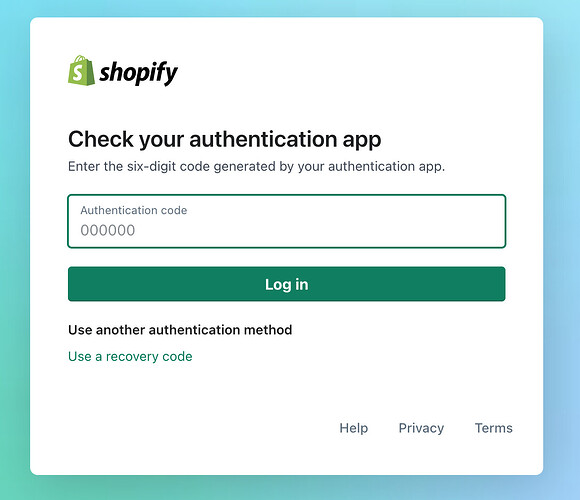
Use an authenticator app like Google Authenticator or Authy rather than SMS codes where possible. SMS 2FA is better than nothing, but SIM-swapping attacks (where someone convinces your mobile network to transfer your number to a new SIM) have been known to happen. Using an authenticator app removes that risk entirely in my view.
If you have staff accounts on your Shopify store, Shopify lets you require 2FA for all staff. Enable it. Don’t listen to staff when they say it’s a pain and time consuming. It’s your business and you’re the one liable if your customer data is stolen.
A password manager is your key safe
If your passwords are in a spreadsheet, a notes app, a notebook, or saved in a text file on your desktop, they’re not secure. Any of those can be accessed by someone who shouldn’t have them, and none of them scale as your business and the number of accounts you manage grows. Writing a password on a Post-it and sticking it to your monitor is the digital equivalent of leaving your shop keys in the door.
A password manager stores all your credentials in an encrypted vault, behind one strong master password that only you know. It generates strong, unique passwords for every account automatically, so you’re not reusing the same password across Shopify, Gmail, and your bank. It fills in login forms for you. And if you need to share access with a team member or agency, you can share individual credentials without ever showing them the actual password.
Think of it as the key safe on the wall of your business. Every key to every lock, in one secure place, accessible only to those you’ve chosen to trust.
I recommend 1Password for most businesses. It’s easy to use, has a solid business tier for team sharing, and has a strong security track record. If you’d rather start with something free, Bitwarden is open-source, well-regarded, and free for individuals.
One thing that catches people out, is don’t rely on browser-saved passwords (Chrome, Safari, Edge) as your primary storage. Browser-saved passwords are tied to that browser profile and that device. If your laptop is stolen, wiped, or a browser account gets compromised, you lose everything in one go. A dedicated password manager is device-agnostic and far more resilient.
Frequently asked questions
How do I check who owns my Shopify store?
Go to Settings in your Shopify admin, then Users and Permissions. The store owner is listed at the top of the page. If it’s an email address that isn’t yours, contact Shopify support or the current account owner to request a transfer. Shopify has a process for this, but it requires cooperation from whoever currently holds the owner account – which is exactly why it’s worth sorting before any agency relationship ends rather than after.
What’s the difference between a Shopify owner and a Shopify admin?
The store owner account has full, unrestricted permissions and is tied to the billing email. There can only be one owner. Staff accounts, even those with all permissions enabled, are still restricted in certain areas – including transferring ownership, managing subscriptions, and accessing billing. Always make sure your own email address holds the owner account.
What should I do if an agency controls an account I can’t access?
Start with the platform’s official support channel. Shopify, Google, and most major platforms have account recovery processes that can verify business ownership through domain verification or documentation. It can take time, but it’s usually possible. The faster you act and the more evidence you have that it’s your business, the smoother it goes.
Which password manager is best for a small ecommerce business?
1Password is the one I recommend most often to clients. It’s easy to use, has a solid business tier for team sharing, and has a strong security track record. Bitwarden is a good free alternative if budget is tight. I’d steer clear of LastPass if you can – their 2022 data breach damaged confidence in the platform significantly, and there are better options available.
Is two-factor authentication enough on its own?
It’s a significant step up from a password alone, but it’s not a substitute for the rest of this list. 2FA protects login attempts. It doesn’t help you if you’ve lost access to the email address tied to an account, or if you don’t own the account in the first place. Treat it as one layer of a system, not the whole system.
Do I need to do anything differently if I have staff accessing my accounts?
Yes. Create individual staff accounts rather than sharing login credentials. Set permissions to match what each person actually needs – not everyone needs access to billing or customer data. And when someone leaves, remove their access the same day. It’s the digital equivalent of getting the keys back when an employee leaves.